

Please follow the steps below if you’re having difficulty installing ChemDraw.
- Launch the Chemdraw installer file (cdpf150.exe).
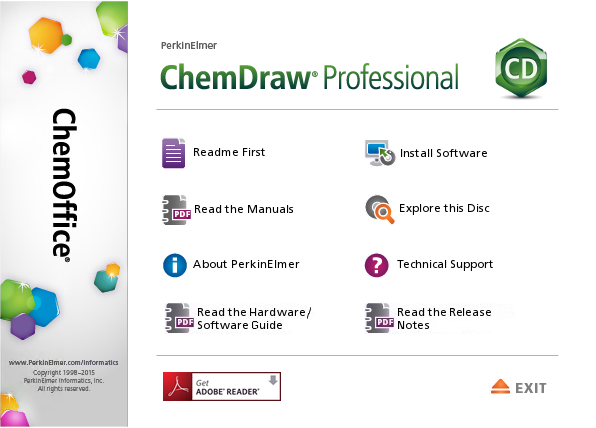
- Follow the installation prompts to install the software.
If the “Install Software” button does not work:
- Click “Explore this Disc.” In the window that opens, double click on “CambridgeSoft.”
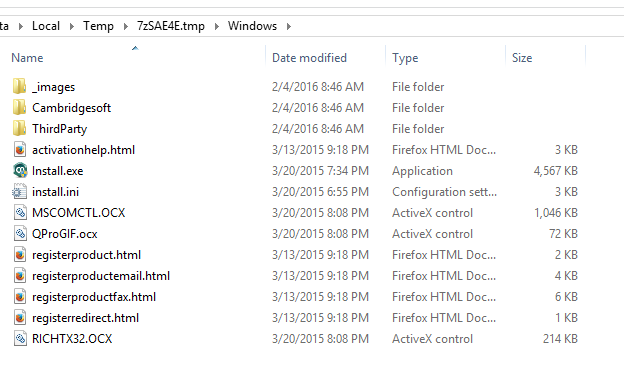
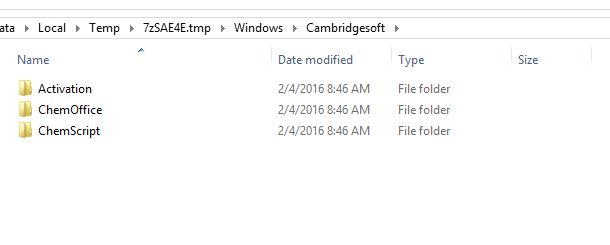
- Double click “ChemOffice.”
- Double click on “CambridgeSoft_ChemDraw_Professional…”
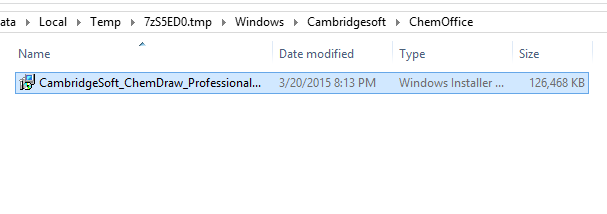
- Follow the installation prompts to install the software.
If you’re still experiencing problems, please submit an ITG Job Request.
Recent News